
Create a Digital Purchase Record Before You Need a Receipt, Return, or Warranty
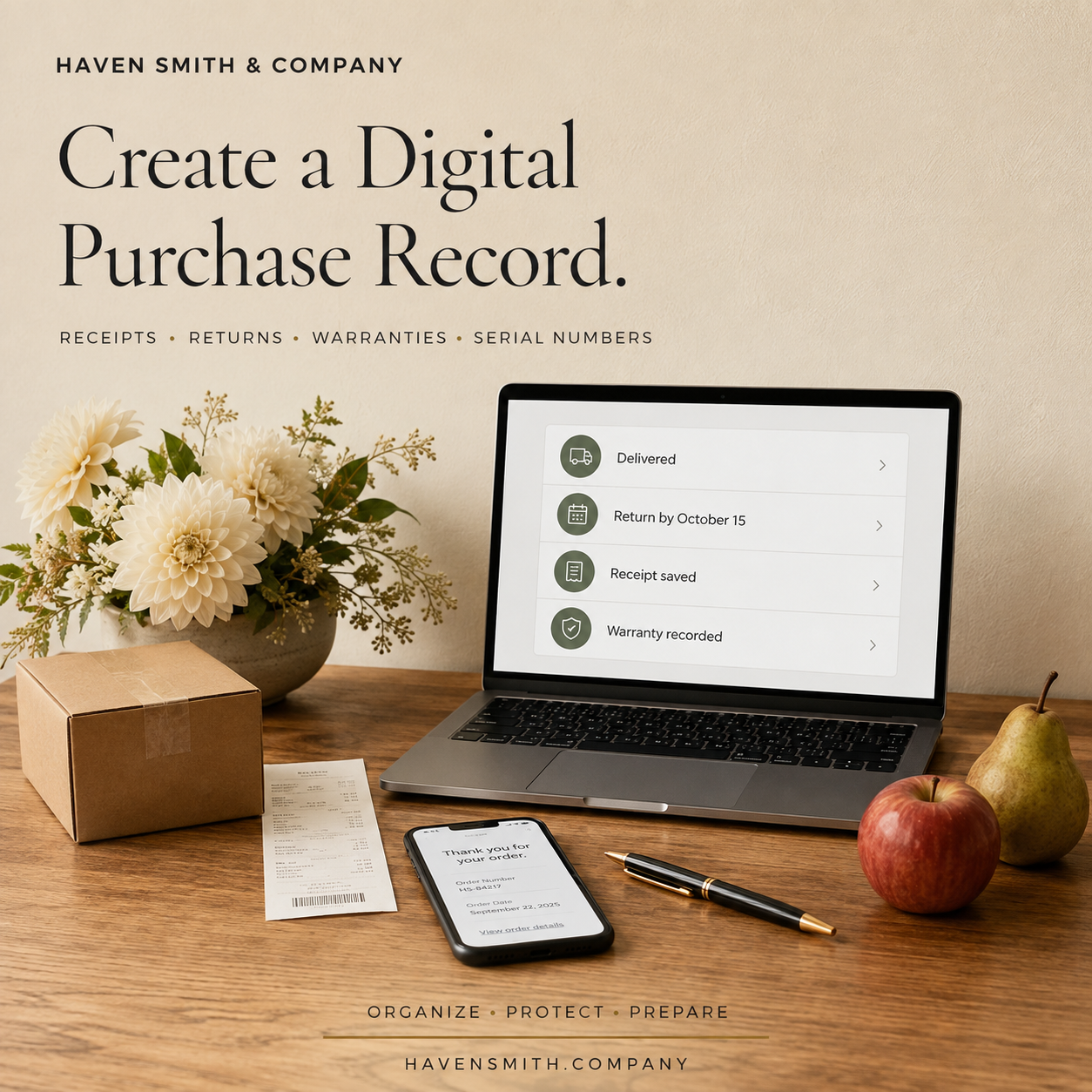
One simple system can keep order confirmations, return deadlines, warranties, serial numbers and proof of purchase from disappearing across your inbox and accounts.
An emailed receipt can create the impression that a purchase has been documented. The message exists somewhere, so the information must be available.
That assumption often fails at the exact moment the record matters.
The receipt may be in a different email account. The retailer may list only recent orders. The return window may have closed. The warranty may require a serial number from packaging that was discarded. The item may have been purchased through a payment application whose description does not identify what you bought.
A digital purchase record gives important purchases a consistent home and a simple status.
If You Read Only One Thing
A purchase is not fully documented merely because a confirmation email exists. Record where the receipt is, when the return period ends, what protection applies and what you will need if the item fails.
Your Action Steps
Create one folder for purchase documents.
Create one tracking list or spreadsheet for purchases that may require follow-up.
Record the return deadline when you place the order.
Save the final receipt, not only the initial order confirmation.
Add warranty and serial-number information after you decide to keep the item.
Review open deliveries and returns once a week.
Remove sensitive payment information that does not belong in the record.
What Belongs in a Purchase Record?
You do not need to document every cup of coffee or ordinary grocery purchase. Focus on purchases that may need to be returned, insured, repaired, reimbursed, deducted, transferred or located later.
Useful fields include:
Purchase date
Merchant
Item and model
Order or confirmation number
Amount
Payment method identifier, such as the card name and last four digits
Expected delivery date
Delivery status
Return deadline
Return status and tracking number
Warranty period
Serial number
Recipient, if the item is a gift
Location of the receipt or supporting document
Never record a complete payment-card number, security code or account password in the purchase tracker.
Create the Folder
Use a name that will remain understandable, such as Purchases and Warranties.
Inside it, you might create folders for:
Current Orders
Returns in Progress
Warranties and Manuals
Completed Purchases
Business or Reimbursable Purchases
The structure does not need to mirror every store. Organizing by purpose is usually more helpful than creating a separate folder for each merchant.
Rename saved receipts so they can be understood outside the original email. For example:
2026-09-22_Apple_Laptop_Order-12345_Receipt.pdf
The date, merchant, item and order number make the file searchable even if the retailer’s website later changes.
Track the Deadline, Not Merely the Purchase
The Federal Trade Commission recommends checking return policies, deadlines and documentation requirements. Those policies vary significantly among sellers.
When you place an order, immediately record:
The last date for return
Whether the item must be unopened
Whether return shipping is deducted
Whether the refund goes back to the original payment method
Whether a gift receipt is required
If a deadline matters, add it to your calendar several days before it expires. A purchase tracker tells you the rule; a calendar reminder tells you when to act.
Save the Final Documents
The first order confirmation is not always the final receipt. The amount may change because of tax, shipping, substitutions, discounts or partial fulfillment.
Once the transaction is complete, save the final receipt or invoice. For higher-value items, also save:
The product description
Warranty terms
Model and serial numbers
Installation records
Photographs of the item
Repair and service history
These records can assist with warranty claims, reimbursement, insurance documentation and estate administration.
Close the Loop on Returns
A return is not complete when the box is shipped.
Keep the return authorization, carrier receipt and tracking number until the seller confirms the return and the refund appears in the correct account. Record the refund date and amount before marking the transaction complete.
If a seller does not resolve a problem, the FTC recommends keeping copies of receipts, warranties, correspondence and other transaction records. A purchase system makes that evidence much easier to assemble.
Prepare Before Purchasing Accelerates
Fall often brings a gradual increase in household purchases: school replacements, warmer clothing, travel arrangements, home projects and eventually gifts.
The goal is not to turn shopping into an administrative burden. It is to prevent the administrative burden that appears when a package is late, a product fails or a return deadline cannot be found.
Build the system before the volume increases. Then each new purchase requires only a minute or two of maintenance.
Resources Outside Haven Smith & Company
Haven Smith & Company Resources
Free Digital Life Management resources:
https://www.havensmith.company/start-hereDigital Organization Course:
https://www.havensmith.company/digital-organizationDigital Life Management Workbook:
https://www.havensmith.company/digital-life-management-workbookBook a free 15-minute consultation:
https://www.havensmith.company/free-consultation
Haven Smith & Company provides practical education, tools, and guidance to help individuals, families, professionals, businesses, and institutions organize, protect, and prepare their digital lives with confidence.