
The Tool Is Not the Plan: Five Digital Life Lessons from This Week
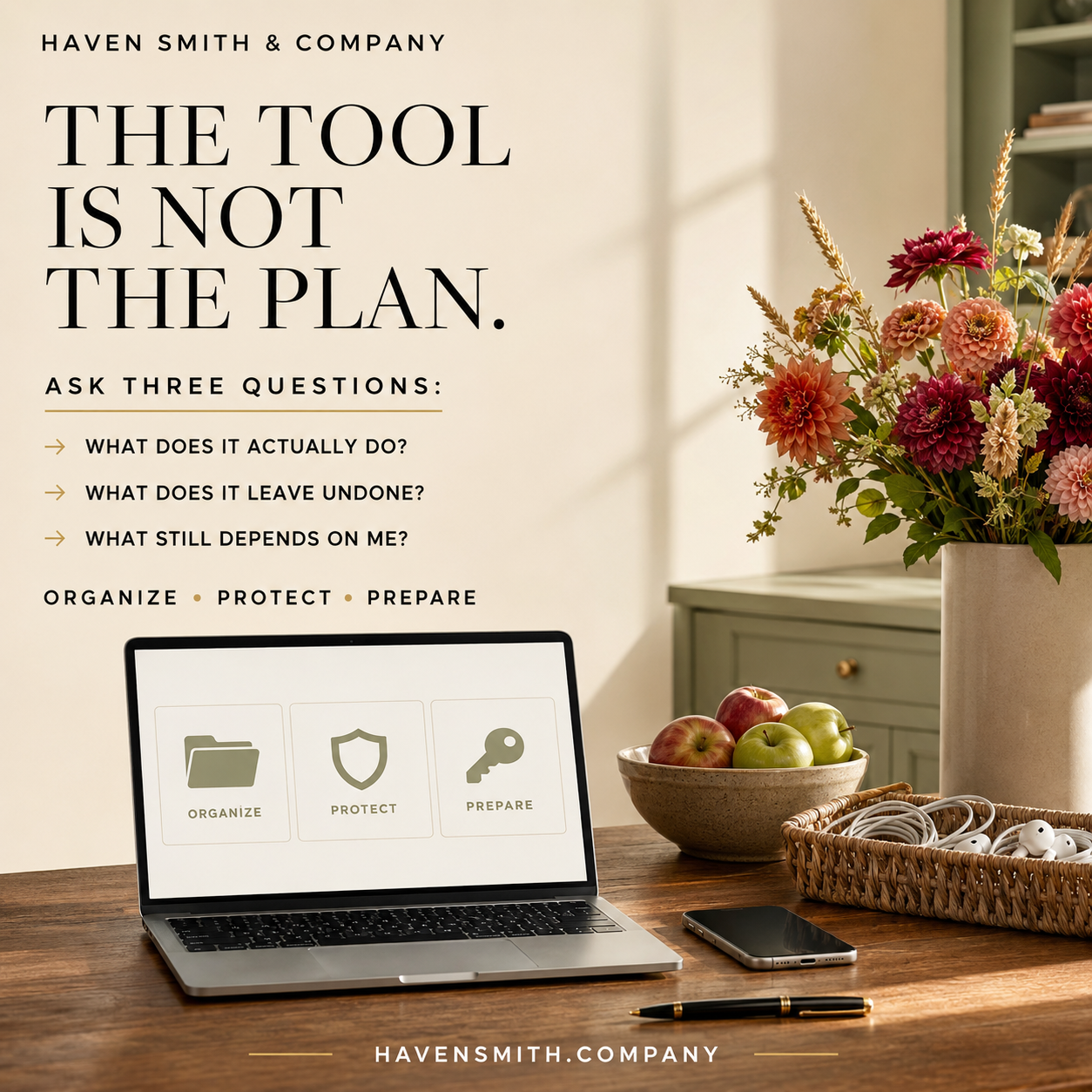
Download Issue 01 of Digital Life Management Weekly, published September 6, 2026. This complimentary six-page edition brings together five practical lessons to help you organize what you have, protect what matters and prepare for what comes next—all in one beautifully designed publication you can save, print, share or return to whenever you need it.
From decluttering and fake CAPTCHAs to digital estate planning, organizational continuity and family responsibilities, this week’s articles share one principle: individual tools and activities must be supported by reliable systems.
Digital tools can make life easier. A cleanup can reduce clutter. A security feature can protect access. A platform setting can help someone retrieve important information.
But a useful tool is not necessarily a complete plan.
This week, we considered that distinction across five different areas of Digital Life Management. We looked at the difference between decluttering and organizing, a dangerous scam disguised as human verification, the boundaries of Apple’s Legacy Contact feature, the risks created when an organization depends on one person, and the invisible digital work that keeps a family running.
These topics may appear unrelated. They all reveal the same underlying vulnerability:
When an important responsibility depends on one tool, one activity or one person, the larger system may not be prepared for change.
If You Read Only One Thing
A tool can support your plan, but it cannot define the entire plan. Reliable Digital Life Management also requires clear systems, appropriate protection, documented instructions, responsible people and a way to continue when circumstances change.
Your Action Steps
Use this week’s five lessons to review your own digital life:
Complete one focused cleanup without mistaking it for a permanent system.
Stop when a website asks you to leave the browser and execute a command.
Add an Apple Legacy Contact, save the access key and continue building your complete digital estate plan.
Identify any organizational responsibility that only one person understands.
Make your family’s invisible digital responsibilities visible and appropriately shared.
Choose one system that needs clearer ownership, instructions or maintenance.
Lesson One: A Cleanup Activity Is Not an Organization System
We began the week with a practical reset of three high-traffic digital spaces: the desktop, Downloads folder and screenshots.
A focused cleanup can make a meaningful difference. It removes distractions, helps you find important information and creates a more usable digital environment.
But the cleanup itself does not answer several larger questions:
Where should new files be saved?
Which information should be retained?
How should important records be named?
What needs to be backed up?
Who else may need access?
When will the system be reviewed again?
That is the distinction between digital decluttering and Digital Life Management.
Decluttering is an activity. A reliable system determines what happens before, during and after the cleanup.
Use the practical reset in Reset Your Desktop, Downloads, and Screenshots, and then explore the larger distinction in Digital Decluttering Is an Activity. Digital Life Management Is the System.
Lesson Two: Familiarity Is Not Proof of Safety
CAPTCHA screens are familiar. That familiarity is precisely what makes fake CAPTCHA scams effective.
A malicious page may imitate a recognizable human-verification screen while instructing you to open Windows Run, PowerShell, Command Prompt or macOS Terminal. It may tell you to paste something and press Enter to complete the verification process.
A real CAPTCHA should remain inside the webpage. It should not require you to operate a system tool, paste an unseen command, install software or change a security setting.
The lesson extends beyond this particular scam:
Do not evaluate a security request only by how familiar or polished it looks. Evaluate what it asks you to do.
Read Fake CAPTCHA Scams: 7 Warning Signs That a “Prove You’re Human” Page Is Dangerous for the warning signs and response steps.
Lesson Three: Access Is Not a Complete Digital Estate Plan
Apple’s Legacy Contact feature provides a useful way for a trusted person to request certain Apple Account information after your death.
It is worth setting up—but the feature does not cover every part of your digital life.
It does not provide access to every category of Apple data. It cannot manage accounts held by Google, Microsoft, financial institutions, social-media platforms or other companies. It does not document your wishes or prepare someone to assist while you are living but incapacitated.
The platform setting is one access tool within a larger plan.
A complete digital estate plan may also require:
A current inventory
Secure access preparation
Clear instructions
Appropriate legal authority
Incapacity planning
Decisions about what should be preserved, transferred, memorialized, closed or deleted
Learn more in Why an Apple Legacy Contact Is Not a Complete Digital Estate Plan.
Lesson Four: Critical Information Cannot Depend on One Person
Tools are not the only potential single point of failure. People can become one, too.
An employee, founder, volunteer or leader may gradually become the only person who understands an essential responsibility. The arrangement may appear efficient until that person is sick, leaves the organization, experiences an emergency or is otherwise unavailable.
Every critical responsibility should have:
A primary owner
An authorized backup
Clear instructions
A recovery path
This is not about making everyone responsible for everything. It is about ensuring that the organization can continue operating without depending entirely on one person’s memory.
The same principle applies to businesses, nonprofit organizations, professional practices, schools, community groups and institutions.
Read Your Organization’s Most Important Information Cannot Live in One Person’s Head.
Lesson Five: Invisible Family Work Still Needs a System
Families also develop single-person dependencies.
One person may manage the school portals, medical records, calendars, bills, photographs, subscriptions, household accounts, devices and caregiving information. Because much of this work happens quietly and incrementally, the rest of the family may not recognize how much knowledge and responsibility one person carries.
The concern is not only whether the workload is distributed equally.
The family also needs to consider what would happen if the person who normally manages everything became sick, overwhelmed or unavailable.
Making the work visible allows a family to decide:
What responsibilities exist
Where important information is maintained
Who normally manages each area
Who could provide authorized backup
What instructions should be documented
What needs regular review
Read The Invisible Digital Work That Keeps a Family Running.
The Common Pattern: Reduce Fragile Dependencies
Each of this week’s topics reveals a different fragile dependency:
A cleanup without a maintenance system
A familiar-looking screen trusted without evaluating its behavior
A platform feature treated as an entire estate plan
An organization depending on one person’s knowledge
A family relying on one person’s invisible work
The answer is not to reject useful tools, stop decluttering or require every person to know everything.
The answer is to place each tool, activity and responsibility inside a larger system.
A reliable system explains:
What exists
Where it belongs
How it is protected
Who is responsible
Who can provide backup
What should happen when circumstances change
How the system will be maintained
That is the broader purpose of Digital Life Management: to organize, protect and prepare the information and responsibilities that modern life depends upon.
Your Weekly Review
Before the new week begins, ask yourself five questions:
What did I clean up—but still need to organize into a lasting system?
Did any website or message ask me to perform an unusual technical action?
Which platform setting have I mistaken for a complete plan?
What important responsibility in my organization depends on one person?
What invisible family responsibility needs to be documented or shared?
You do not need to solve all five this weekend.
Choose the answer that represents the greatest risk or would provide the greatest relief. Then establish one practical next step.
Resources From Haven Smith & Company
Free Digital Life Management resources:
https://www.havensmith.company/start-hereDigital Organization Course:
https://www.havensmith.company/digital-organizationDigital Safety Course:
https://www.havensmith.company/digital-safetyDigital Legacy & Estate Planning Course:
https://www.havensmith.company/digital-legacy-estate-planningDigital Life Management Course Bundle:
https://www.havensmith.company/bundleBook a free 15-minute consultation:
https://www.havensmith.company/free-consultation
Haven Smith & Company provides practical education, tools and guidance to help individuals, families, professionals, businesses and institutions organize, protect and prepare their digital lives with confidence.