
Cybersecurity Training Is Incomplete Without a Reporting Path
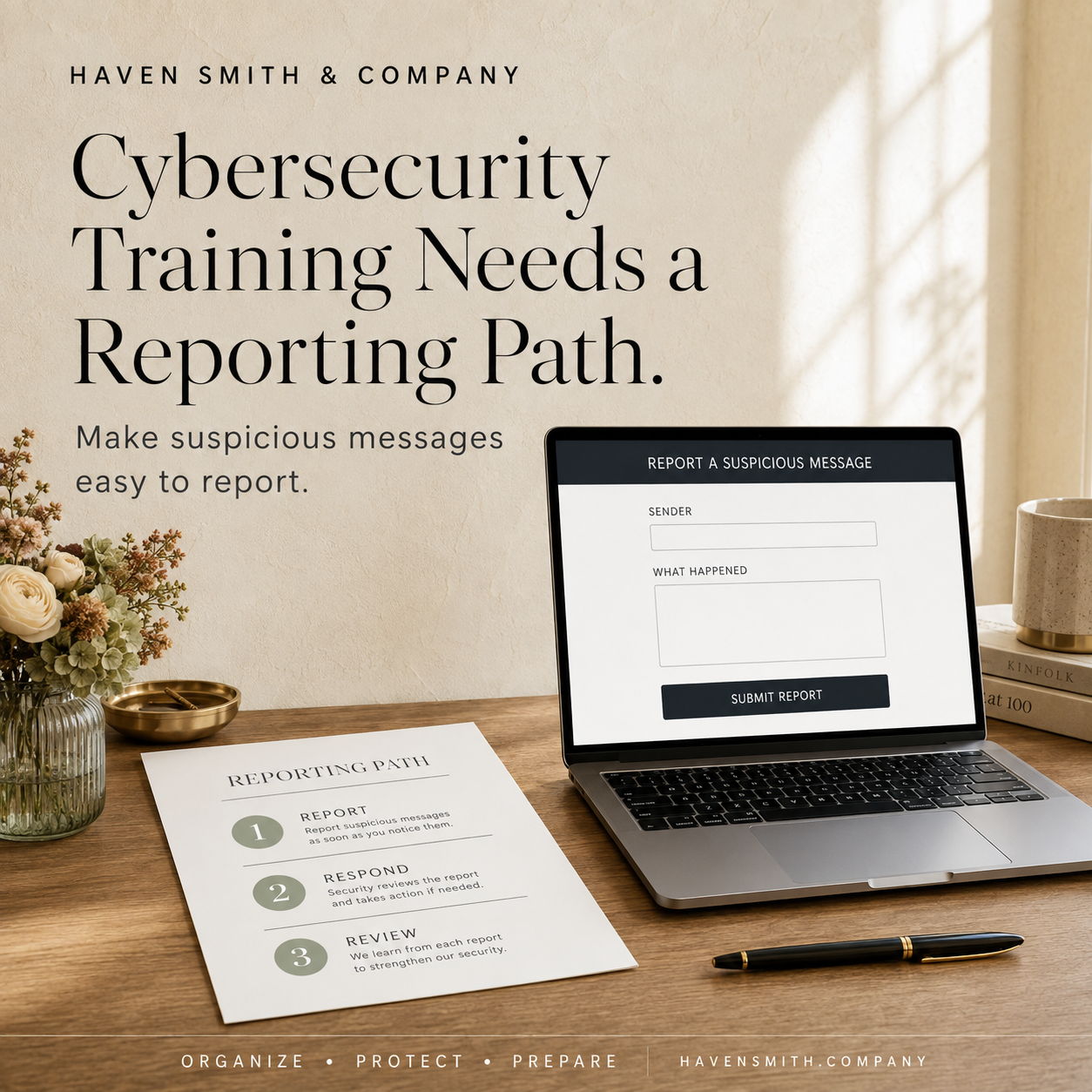
If employees can recognize a suspicious message but do not know whom to tell, the organization is still unprepared.
Organizations frequently tell employees to watch for phishing.
They may provide examples of suspicious links, urgent payment requests, unexpected attachments and messages asking for passwords or verification codes.
That training is important. It is also incomplete unless employees know exactly what to do when they encounter something suspicious.
“Be careful” is advice.
“Forward the original message to this address, include what you opened or entered and call this person immediately if money or credentials were involved” is a process.
If You Only Read One Thing
Every employee should be able to answer three questions without searching for a policy:
How do I report a suspicious message?
What information should I include?
What should I do if I already clicked, replied or entered information?
If those answers are unclear, the organization does not yet have a usable reporting path.
Recognition Does Not Automatically Produce Reporting
An employee may notice that something seems wrong but hesitate to report it.
They may wonder:
Is this suspicious enough?
Will I be blamed if I clicked?
Am I wasting someone’s time?
Should I contact IT, a manager or the sender?
Should I delete the message?
What if the request appears to come from an executive?
What if I entered a password but nothing happened?
Every moment spent resolving that uncertainty gives a potential attacker more time.
The reporting system should make early reporting easier than silence.
Create One Obvious Reporting Channel
Organizations should establish one primary method for reporting suspicious digital activity.
Depending on the organization, this might be:
A dedicated email address
A built-in “Report Phishing” button
A designated help-desk category
A clearly identified internal contact
An emergency telephone number for urgent incidents
Avoid expecting employees to remember several different paths for different kinds of messages.
The first reporting step should be simple. The responsible team can classify the incident afterward.
Tell Employees What to Preserve
A useful report may include:
The original message
Sender’s address or account
Date and time
Subject line
Screenshot
Link destination
Attachment name
What action the employee took
Whether credentials, codes, money or sensitive information were involved
Whether the message reached other employees
Employees should not investigate suspicious links by repeatedly opening them. They should preserve what is safely available and send it through the established reporting process.
Give Different Instructions for “I Saw It” and “I Acted”
An employee who notices and reports a suspicious message may not require the same response as someone who entered credentials or approved a device.
Your procedure should distinguish between:
I received it but did not interact
The employee should report the message and follow instructions regarding deletion or retention.
I clicked or opened something
The employee should report immediately and describe exactly what occurred.
I entered a password, code or sensitive information
The employee should use the organization’s urgent escalation path. Security actions may include revoking sessions, resetting credentials, reviewing account activity or isolating a device.
I sent money or changed payment information
The employee should immediately contact the responsible internal leader and financial institution. Business email compromise can require extremely rapid action.
Employees should never have to hide a mistake while deciding how serious it might be.
Assign an Owner
A reporting channel without an owner is simply another inbox.
Document:
Who monitors reports
Who provides backup coverage
Expected response time
Who can revoke account access
Who contacts financial institutions
Who preserves records
Who communicates with affected people
Who determines whether legal, insurance or law-enforcement notification is necessary
The person receiving the initial report does not need to perform every response action. They do need to know who takes the next step.
Remove Blame From the Process
Attackers use urgency, authority, fear and familiarity to influence normal human behavior.
Employees who fear punishment may delay reporting. That delay can turn a contained event into a larger incident.
A better message is:
Report immediately—even if you clicked, replied or entered information. Early reporting gives us more options.
Accountability still matters. But the immediate priority should be containment, accurate information and recovery.
Test the Reporting Path
Do not assume the written policy works.
Give employees a harmless example and ask them to report it using the established process.
Then evaluate:
Did they know where to send it?
Did the report arrive?
Was it monitored?
Did someone acknowledge it?
Was enough information included?
Did the responsible person know what to do next?
Testing may reveal that the reporting address is obscure, the button is unavailable on mobile devices or the designated employee is no longer with the organization.
Use Cybersecurity Awareness Month to Improve the System
CISA identifies recognizing and reporting phishing as one of the core actions individuals and organizations can take during Cybersecurity Awareness Month.
Use October to improve one operating procedure—not merely to distribute another reminder about suspicious links.
One Thing to Do Today
Ask one employee:
“If you received a suspicious message right now, exactly how would you report it?”
Listen without correcting them.
If their answer differs from the process leadership expects, the problem is not merely employee awareness. The reporting system needs to become clearer.
Explore Digital Life Management workshops for professionals and organizations:
Free · Two minutes
Where does your digital life stand?
Nine questions on organizing, protecting and preparing. You get your level and the one thing worth sorting out first.
Take the free quizFree · Nine questions · No account needed