1 / 4
Aha Moments: Digital Organization Printable Deck
One card for every step of Month One of Accounted For, so you can organize your digital life one card at a time.
- The cardsA PDF you print at home, cut, and fold, plus a screen version and phone pictures
- The backsShort exercises on the back of every card, ready to try today
$19
Your download link arrives by email the moment you pay. You have seven days to change your mind.
- Card fronts
- Card backs
- Short exercises
- Print at home
- A screen deck
- Phone pictures
- Cut and fold
- The book’s order
Organizing your digital life is easier one card at a time.
Your email, files, photos, and accounts grew over many years, so tidying them in one weekend is a lot to ask.
This deck turns Month One of my Digital Life Management System into cards. Each card holds one step, in the order of my book Accounted For, with short exercises on the back. Draw the next card, do the step, and set the card on your finished pile.
Download the file, print the cards at home, cut them out, and fold each one in half. The screen version and the phone pictures come with it, so the next card is always close.
Would you like the full lessons behind each card? The Digital Organization guide walks through Month One in detail.
Every card comes from Month One of Accounted For.
Accounted For is my book on organizing your digital life for the people you love. It follows a twelve-week plan in three months: Organize, Protect, and Prepare.
Month One is Organize. The cards follow the book’s order, from setting up your workbook, through Weeks One to Four, to the bonus steps, so the deck becomes your plan.
The Digital Safety deck covers Month Two, and the Digital Legacy and Estate Planning deck covers Month Three.
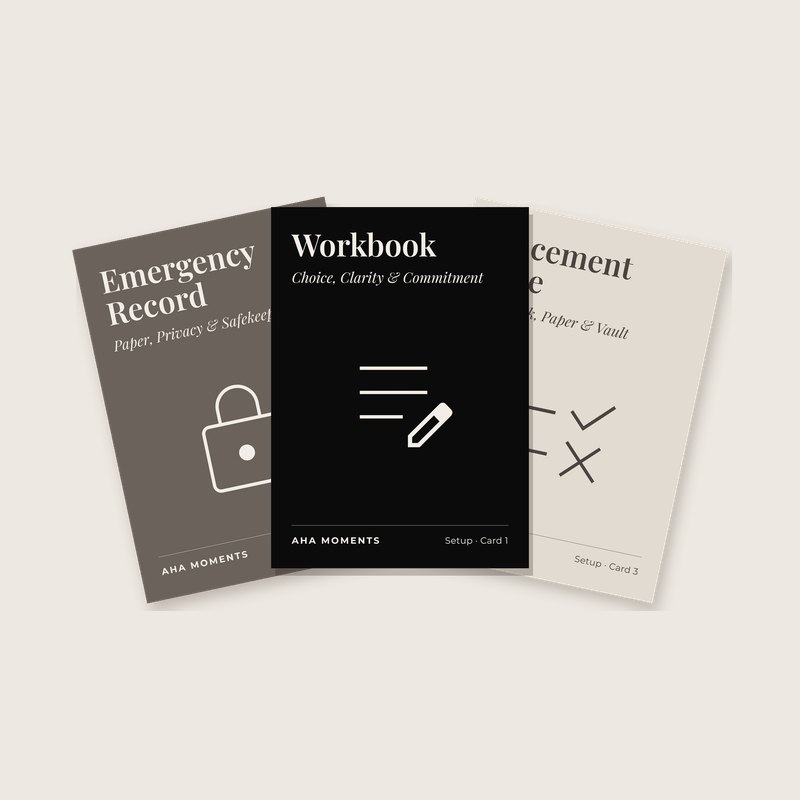
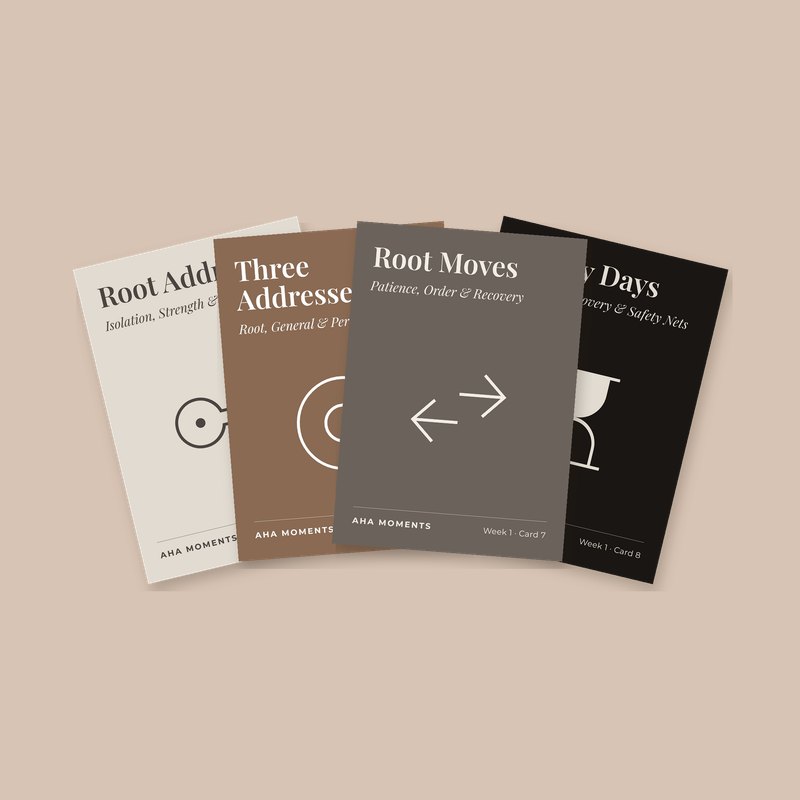
See the front of every card in the deck.
 Setup
Setup Setup
Setup Setup
Setup Setup
Setup Week 1
 Week 1
 Week 1
 Week 1
See every cardShow fewer cards
 Week 1
 Week 1
 Week 1
 Week 1
 Week 1
 Week 1
 Week 1
 Week 1
 Week 1
 Week 2
 Week 2
 Week 2
 Week 2
 Week 2
 Week 2
 Week 3
 Week 3
 Week 3
 Week 3
 Week 3
 Week 3
 Week 3
 Week 3
 Week 3
 Week 3
 Week 3
 Week 3
 Week 4
 Week 4
 Week 4
 Week 4
 Week 4
 Week 4
 Week 4
 Week 4
 Bonus
Bonus Bonus
Bonus Bonus
Bonus Bonus
Bonus Bonus
Bonus Bonus
Bonus Bonus
Bonus Bonus
Bonus Bonus
Bonus
Print your own deck, and keep a copy on every screen.
Print at homeFold-over cards, front and back side by side, four to a page.Print at HomePrintable PDF
Print on regular paper or card stock, cut along the edge, and fold each card in half. You get a real deck without waiting for the mail.
Play on a screenEvery card, front and back, sized for a laptop or a TV.Screen DeckPDF
Share your screen in a meeting or a classroom, and turn the page to turn the card.
Keep it on your phoneA picture of the front and the back of every card.Phone picturesJPG images
Save the pictures to your photos, and you always have a card with you, in line, on a walk, or between meetings.
What is true when you finish the deck.
- You know which email address does which job.
- Your passwords live in one password manager.
- Your money map shows every account and recurring charge.
- Your photos and files have homes you chose.
- Your devices and contacts are listed in one place.
- You worked through every step in the book’s order.
- Your finished cards show how far you have come.

Hi, I’m Ashley.
I have worked for more than twenty years in accessibility, trust and safety, and product research and design. I helped create many of the systems our day-to-day lives depend on: banking, payments, identity, and fraud protection. One of my roles was vice president of product research at JPMorgan Chase, and I hold a master’s degree in human factors and systems engineering.
I write books, teach, and build good products. Whatever brought you here, I’m glad you came.
Ashley
Read my storyYou have questions, and I have plain answers.
How do I get the files?
The moment you pay, an email arrives with your download link. Save the files to your own computer and phone. There is no account to create and nothing to log back into.
How do I print the cards?
Open the Print at Home PDF and print it on standard paper. Card stock feels best, and regular paper works too. Cut each card out and fold it in half, and the front and back line up.
Do I need the book?
No. Each card stands on its own, with the step on the front and short exercises on the back. Accounted For is coming soon, and the deck follows its order, so the two work beautifully together.
How is this different from the membership?
This deck is a download you keep and print, so you hold real cards in your hands. The Aha Moments membership is $5 a month, and it lets you play the Aha Moments cards online at havensmith.company/aha.
Is there a printed deck?
A printed deck is coming later. For now, the download lets you print your own cards today.
Can I share the files?
Play with as many people as you like. Please keep the files for yourself and the people you play with, and send friends here to get their own copy.
Can I get a refund?
Yes. Read it, try it, and if it is not what you wanted, write within seven days of buying it. A real person will get back to you soon with your refund.