
A Photo of a Document Is Not an Organized Record
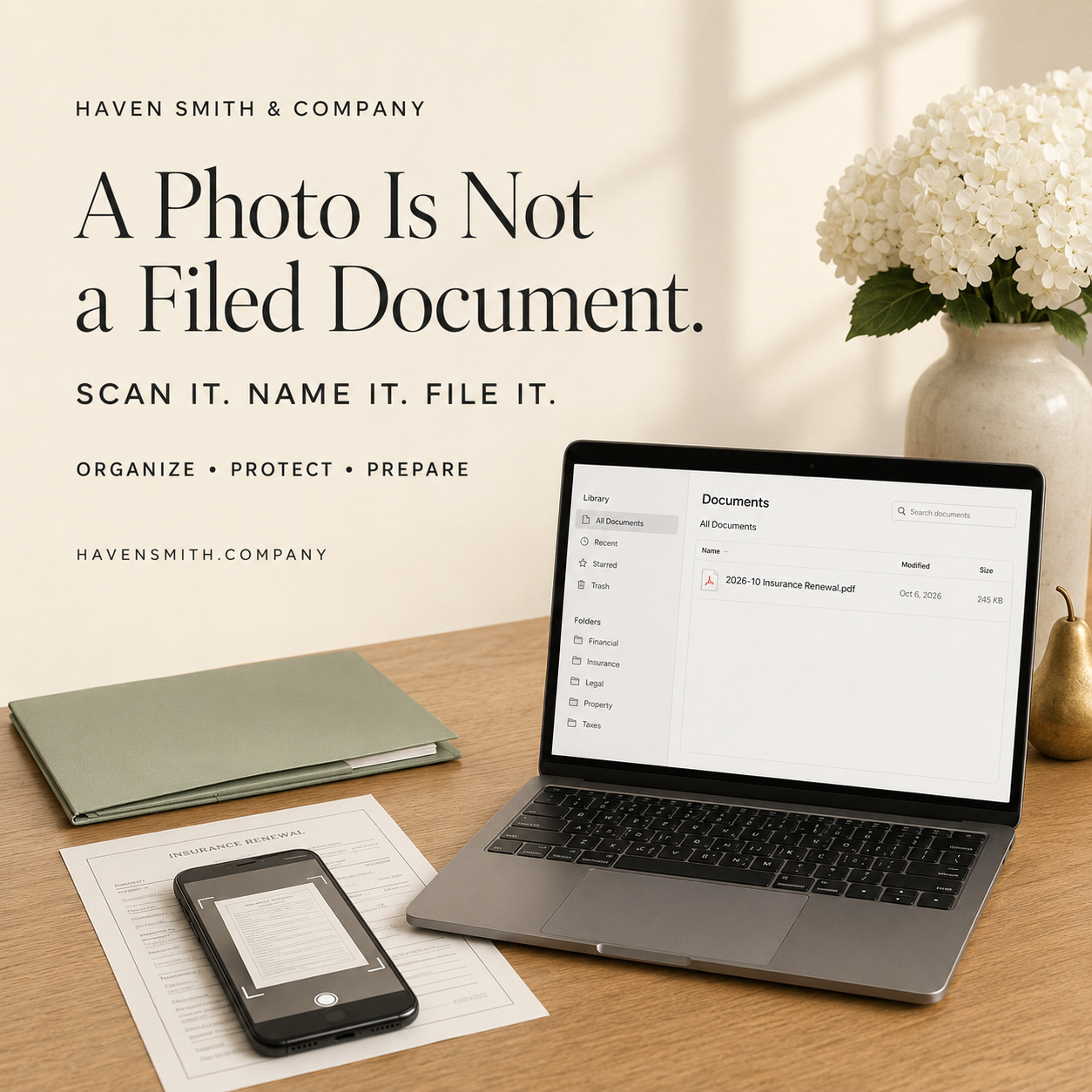
Turn the papers in your camera roll into searchable, named and properly filed digital records.
Taking a picture of a bill, form or important letter can feel like completing a task. The information is no longer confined to paper, and you have a copy on your phone.
But where will that photograph be six months from now?
It may be surrounded by vacation pictures, screenshots, receipts and hundreds of ordinary images. It may not include the back of the page. The text may be difficult to read. The filename may contain nothing more useful than a string of numbers.
You preserved an image, but you did not create an organized record.
A useful digital document must be complete, readable, named, filed and connected to any action it requires.
If You Read Only One Thing
The process is not finished when you photograph or scan a document. It is finished when the document has a recognizable name, a permanent location and a clear next action.
Your Action Steps
Choose one paper that is currently sitting on a desk, counter or table.
Scan the complete document as a PDF instead of taking an ordinary photograph.
Check every page for clarity, correct orientation and missing information.
Rename the file using a consistent format.
Move it into its permanent folder.
Record or schedule any follow-up action the document requires.
Decide whether the original paper must be retained.
Why Camera-Roll Storage Fails
Your photo library is designed to organize visual memories. It is not designed to function as a complete household or business filing system.
A photographed document may become difficult to retrieve because:
The filename does not describe the contents.
The text may not be searchable.
The image may include distracting background objects.
Multiple pages may be separated.
The back of the document may be missing.
The photograph may not preserve the page at a readable angle.
The image remains disconnected from the task it represents.
The photograph can be useful as temporary capture. It should not automatically become permanent storage.
Create One Paper-Intake Destination
Paper becomes easier to manage when every new document follows the same path.
Choose one temporary destination for newly scanned papers. You might call it:
Paper Intake
Documents to File
Scan and Review
Household Inbox
Business Records Intake
This is a processing location, not a permanent archive.
After scanning a document, decide what happens next:
Delete it because no record is needed.
File it because the information must be retained.
Act on it because something is due.
Share it with an appropriate person.
Keep the original because legal, tax or personal requirements make the paper important.
A single intake point prevents scanned files from being scattered across your camera roll, Downloads folder, email and unrelated cloud locations.
Scan the Complete Document
Before discarding or filing the paper, check the digital copy.
Confirm that:
Every page is included.
Both sides were scanned when necessary.
Attachments and signature pages are present.
Text is legible.
Nothing important was cut off.
Pages appear in the correct order.
The document is oriented properly.
Scanning tools from Apple, Google and Microsoft can help create PDF documents and make their text searchable. Optical character recognition can improve retrieval, but it is not infallible. Important names, dates and numbers should still be checked visually.
Give the File a Name You Can Understand
A filename such as IMG_4827 tells you nothing.
Use a consistent format that makes sense for your records. For example:
2026-10-06 Insurance Renewal Notice Home
or:
2026-10 Medical Invoice Provider Name
A practical filename often includes:
Date
Person, company or institution
Subject
Document type
You do not need the perfect naming convention. You need one you can recognize and use consistently.
Avoid placing unnecessarily sensitive information—such as a full Social Security or account number—inside a filename. Filenames may appear in search results, shared folders and backup logs.
File It Where You Would Look for It
Ask yourself: If I needed this document next year, where would I expect to find it?
A medical document might belong in a healthcare folder. An insurance notice might belong with household insurance records. A school form might belong in the relevant child’s education folder.
Do not create a new permanent folder for every piece of paper. Use a small, understandable structure based on how you actually retrieve information.
Do Not Lose the Required Action
Some documents are not merely records. They represent responsibilities.
A notice may require you to:
Make a payment
Complete a form
Compare options
Schedule an appointment
Contact an institution
Provide information to someone else
Filing the document does not complete the responsibility. Add the action to your task or due-date system and point back to the document’s location.
Outside Resources
Google Drive: Scan documents and save them as searchable PDFs
Microsoft: Use optical character recognition with PDFs in OneDrive
Haven Smith & Company Resources
Learn how to create a practical filing system in the Digital Organization course.
Map your important files and records with the Digital Life Management Workbook™.
Download the free Digital Organization Guide.
Work through a document-management challenge in a Digital Life Strategy Session.
Choose one paper today. Scan it, name it, file it and record the next action. That small workflow is the difference between preserving an image and creating a useful record.
Free · Two minutes
Where does your digital life stand?
Nine questions on organizing, protecting and preparing. You get your level and the one thing worth sorting out first.
Take the free quizFree · Nine questions · No account needed