
AirDrop and Quick Share Now Work Together. That Still Does Not Organize Your Files.
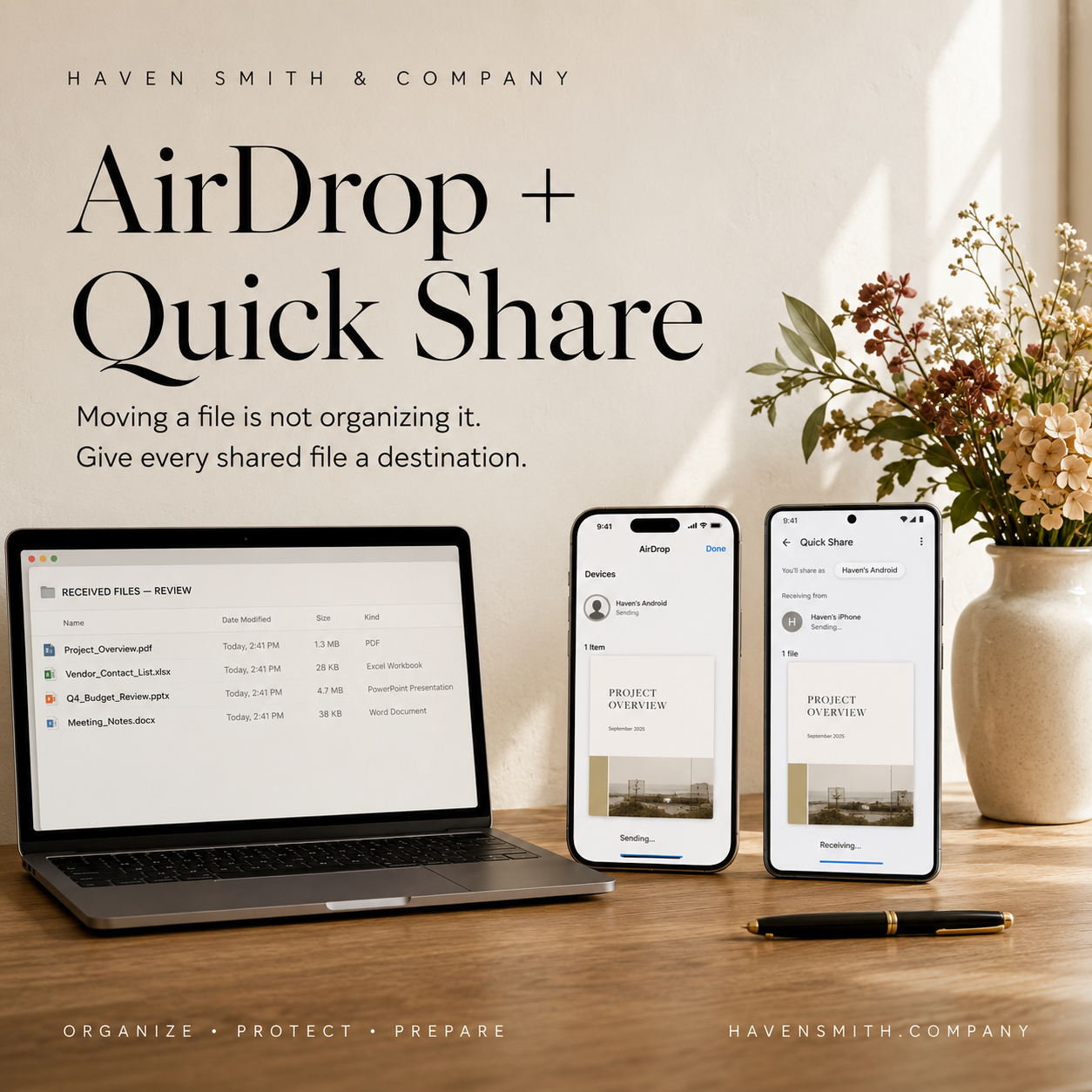
Faster file sharing solves the transfer problem—not the organization problem.
Moving files between an iPhone and an Android phone has historically required extra steps. People often relied on email, text messages, cloud links or third-party applications just to send a full-resolution photograph or document.
Google has now expanded Quick Share compatibility with Apple’s AirDrop to additional supported Android devices. This makes it easier to send photographs, videos and documents between supported Android phones and iPhones, including without an internet connection.
That is useful. It is not a filing system.
If You Only Read One Thing
A file-transfer tool answers one question:
How do I send this?
Digital organization requires several additional answers:
Where should it go?
Who is responsible for keeping it?
Which copy is authoritative?
How should it be named?
When can the extra copies be deleted?
Without those decisions, easier sharing can simply create digital clutter faster.
Transfer Is Not Storage
When someone sends you a document, the received file often lands in a default location. Depending on the device and file type, it may appear in Downloads, Files, Photos or another application.
That default destination is rarely the file’s permanent home.
A medical document does not belong permanently in Downloads simply because that is where the phone placed it. A school form does not become organized because it was successfully transferred. A family photograph is not protected merely because three people now possess copies.
Receiving a file is the beginning of the organizational decision—not the end.
Decide Who Keeps the Authoritative Copy
Before sharing an important file, decide who is responsible for maintaining it.
For example:
One parent might maintain the current school document.
One family member might keep the signed travel authorization.
A business owner might maintain the approved contract.
One sibling might retain the current healthcare directive.
The person managing household finances might keep the final receipt.
Other people may need copies, but everyone should know which version is considered current.
Without that agreement, one person may update a document while another continues using an older version.
Establish a Receiving Location
Choose a consistent temporary destination for transferred files.
You might create a folder called:
Received Files — Review
Anything important sent to the device can be moved there until it is:
Reviewed
Renamed
Filed
Shared with the correct person
Deleted if unnecessary
This is an intake point, not a permanent archive. Review it regularly so it does not become another forgotten collection.
Rename Important Files Immediately
A transferred file may arrive with a meaningless name such as:
IMG_4821
Document (7)
scan0004
download
Rename important files before you lose the context surrounding them.
A useful filename might include:
Date
Person, household or organization
Document type
Subject
Status when relevant
For example:
2026-09-29_Smith-Family_Travel-Authorization_Signed.pdf
A clear name allows someone to understand the file without opening it.
Treat Photographs Differently From Records
Photographs and formal documents require different systems.
For family photographs, decide:
Who maintains the complete collection
Whether shared images belong in a shared album
How duplicates will be handled
Whether full-resolution originals are being preserved
Whether the collection is backed up
For records, decide:
Who owns the authoritative copy
Where the permanent record belongs
Whether the file contains sensitive information
Whether extra device copies should be removed
Do not treat every transferred item as if it carries the same responsibility.
Be Careful With Sensitive Documents
Cross-platform sharing may be convenient for insurance cards, identification documents, financial information or medical records. Convenience does not eliminate the need to protect them.
Before transferring sensitive information, consider:
Whether the receiving device is secured
Whether the recipient actually needs a copy
Where the file will land
Whether it will be included in an automatic photo or cloud backup
Whether the temporary copy should be deleted after use
The ability to send something does not automatically make sending it the best decision.
Verify Before Deleting
If you intend to remove the original or temporary copy, first verify that the transferred file:
Opens correctly
Is complete
Has reached the correct person
Has been saved in its intended location
Is included in any required backup
Do not assume that seeing a transfer confirmation means the file has been properly organized and protected.
Create One Household Rule
A useful household rule might be:
Important files sent between devices must be renamed and moved to their permanent home the same day.
Or:
The person requesting the document is responsible for filing the authoritative copy.
The exact rule matters less than having one everyone understands.
One Thing to Do Today
Before accepting the next important file someone sends you, decide where it will belong after it reaches your device.
AirDrop and Quick Share can make the handoff easier. Your Digital Life Management system must still determine what happens next.
Learn more about Google’s current cross-platform sharing update:
https://blog.google/products-and-platforms/platforms/android/android-drop-june-2026/
Explore the Digital Organization course:
Free · Two minutes
Where does your digital life stand?
Nine questions on organizing, protecting and preparing. You get your level and the one thing worth sorting out first.
Take the free quizFree · Nine questions · No account needed