
The Login Page Was Real. The Request Was Not.
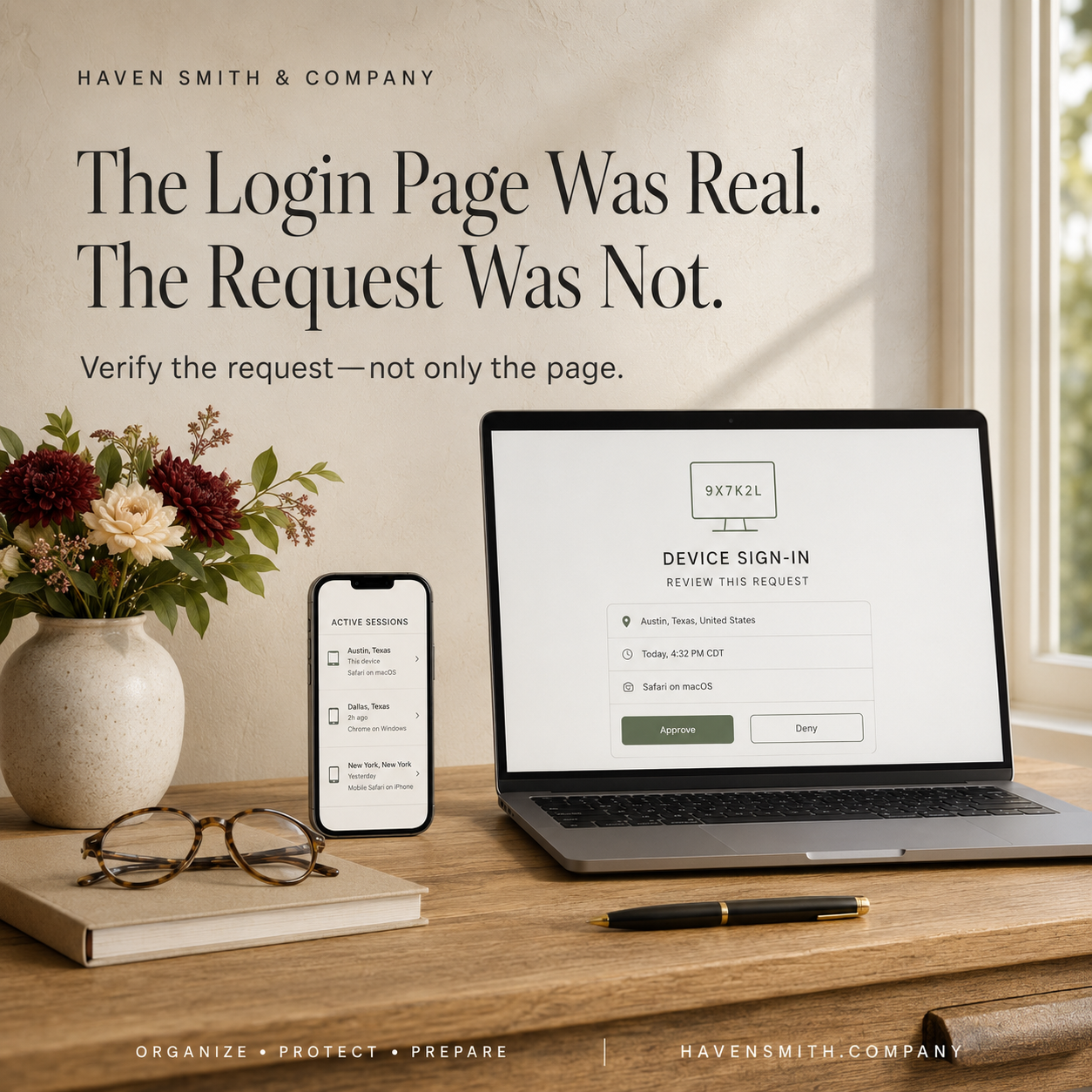
Attackers do not always need to build a fake website. Sometimes they persuade you to authorize them through the real one.
Many people have learned to look for fake login pages. They check the address, look for misspellings and become suspicious when a website does not look quite right.
Those habits remain valuable—but they are no longer sufficient.
In May 2026, the FBI warned about Kali365, a phishing-as-a-service platform that can send victims to a legitimate Microsoft verification page. The page is real. The device code is real. The access being authorized is also real.
The deception is the request that led the person there.
If You Only Read One Thing
A legitimate login page does not prove that the person, message or request directing you to it is legitimate.
Never enter a device code, verification code or account PIN supplied by someone else unless you independently initiated and understand the process.
How the Device-Code Attack Works
According to the FBI, an attacker begins by sending a phishing message that impersonates a trusted productivity or document-sharing service.
The message provides a device code and tells the recipient to visit Microsoft’s actual verification website.
Because the website is legitimate, the victim may feel reassured. The victim enters the attacker-supplied code and completes the authentication process.
That action can authorize the attacker’s device.
The attacker may then capture access and refresh tokens that provide continued access to Microsoft 365 services such as Outlook, Teams and OneDrive—without needing the password or completing another multifactor-authentication challenge.
MFA Did Not Technically Fail
Multifactor authentication is an important security control. Everyone should use it when available.
But MFA cannot protect you from every decision made during the authentication process.
In this type of attack, the system may correctly confirm that you are the account owner. The problem is that you have been deceived into using that confirmation to authorize someone else.
This is the difference between authentication and authorization:
Authentication confirms who you are.
Authorization determines what a person, device or application may access.
The attacker is trying to manipulate the second decision by exploiting the first.
Linked Devices Create a Similar Risk
The FBI and CISA have also warned about attackers abusing linked-device features in commercial messaging applications.
An attacker may impersonate a trusted contact or support representative and ask the victim to:
Scan a QR code
Open a link
Share a verification code
Provide an account PIN
Approve a new device
The attacker may then connect a separate device to the victim’s account.
The encryption protecting the messaging service has not necessarily been broken. The attacker has obtained access through an authorized—or apparently authorized—session.
Do Not Use a Code Someone Sends You
A simple protective rule is:
Do not enter a login, device or verification code supplied by another person, message or unexpected request.
Codes should arise from a process you initiated.
If someone claims you need to authenticate your account:
Stop communicating through the message.
Open the service independently.
Use the official application or type the known website address yourself.
Review the account directly.
Contact support through the service’s published help system if necessary.
Do not use the link, telephone number or instructions contained in the original message.
Review Active Sessions and Linked Devices
Passwords are not the only way an account remains accessible.
Many services allow you to view:
Devices signed into the account
Active sessions
Connected applications
Authorized services
Recent security activity
Login locations
Review this information for important accounts.
If you see something unfamiliar:
Revoke or sign out the session.
Remove the connected device or application.
Change the password.
Review recovery information.
Confirm that MFA settings have not been changed.
Examine recent activity for unauthorized actions.
Changing the password is important, but it may not automatically end every active session or revoke every access token.
What Organizations Should Do
Organizations using Microsoft 365 should evaluate whether device-code authentication is necessary for their operations.
The FBI recommends that organizations consider:
Auditing existing device-code-flow use
Restricting or blocking device-code authentication when it is not required
Limiting exceptions to legitimate business needs
Reviewing suspicious logins, active sessions and unauthorized devices
Establishing a clear reporting process for suspicious requests
These decisions should be made with appropriate technical support to avoid disrupting legitimate access.
One Thing to Do Today
Choose one important account and review its active sessions, authorized applications or linked devices.
Do not wait for a security warning. Make session review part of normal account maintenance.
The arrival of Cybersecurity Awareness Month is a useful reminder: security is not only about choosing strong tools. It is also about understanding what those tools are asking you to approve.
Read the FBI’s Kali365 warning:
https://www.ic3.gov/PSA/2026/PSA260521
Explore the Digital Safety course:
Free · Two minutes
Where does your digital life stand?
Nine questions on organizing, protecting and preparing. You get your level and the one thing worth sorting out first.
Take the free quizFree · Nine questions · No account needed