
Prepared Is Not the Same as Stored: Six Digital Life Lessons From This Week
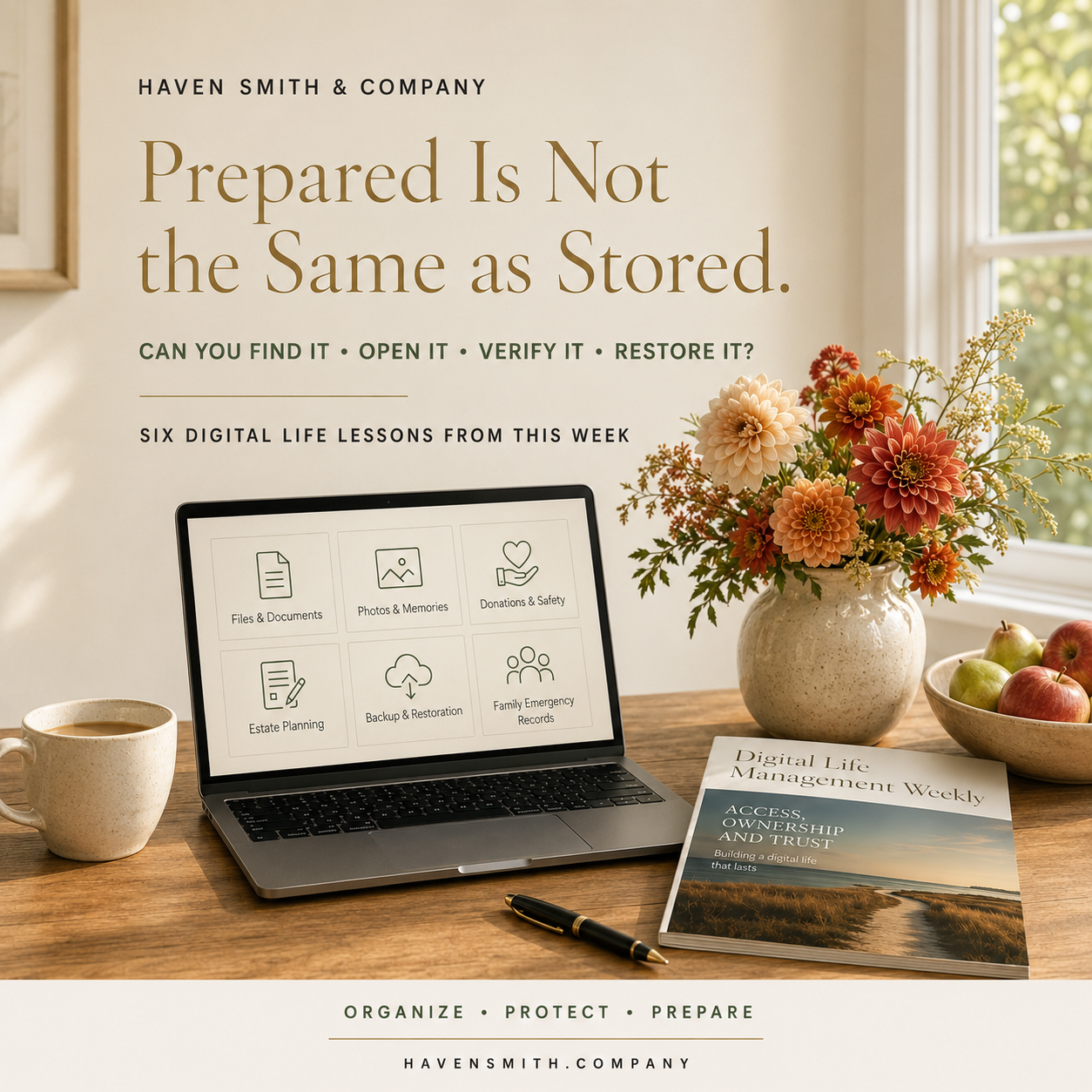
Download Issue 03 of Digital Life Management Weekly, published September 20, 2026. This complimentary edition brings together practical lessons to help you organize what you have, protect what matters and prepare for what comes next for your digital life—all in one beautifully designed publication you can save, print, share or return to whenever you need it.
Information is not truly prepared until it can be found, verified, accessed, restored and used by the appropriate person.
Many digital systems appear prepared from the outside.
The files have been moved off the desktop. The photographs display a cloud symbol. The charity page looks professional. The executor has a list. The backup dashboard shows a green checkmark. The family documents have been scanned.
But the practical test is not whether information exists.
The test is whether the right person can use it when it matters.
This week’s Digital Life Management articles examined six different forms of apparent preparedness. Together, they reveal one principle:
Stored information is not necessarily usable information.
If You Read Only One Thing
If important information exists but cannot be found, verified, accessed, or restored when needed, it is stored—not prepared.
Six Digital Life Lessons From This Week
1. A Clear Screen Is Not the Same as an Organized System
Moving every desktop file into a folder called “Sort Later” produces a clear screen without producing a useful system.
Organization requires decisions:
What should be deleted?
What should be preserved?
Where does the file belong?
Does it represent an unfinished task?
When will it be reviewed?
The goal is not an empty desktop. The goal is a desktop that holds only active work while important information lives in stable, understandable locations.
2. A Connected Platform Can Change How Information Moves
Samsung Gallery’s direct OneDrive synchronization will end on September 30, 2026.
Existing OneDrive photographs will remain, but affected users must enable OneDrive camera backup if they want new photographs to continue uploading.
The larger lesson applies far beyond Samsung and Microsoft.
Platform relationships change. Permissions expire. Applications are retired. Account connections stop working. A system that once operated automatically may require new action.
Periodically verify:
Which company actually holds the information
Which account is being used
Whether new information is arriving
How deletion behaves
Whether another backup exists
3. A Real Crisis Does Not Make Every Request Legitimate
A scam does not have to invent the underlying event.
Scammers can use a real flood, earthquake, fire, or humanitarian emergency to create a fraudulent charity, impersonate a legitimate organization, or redirect donations through a fake payment page.
The existence of genuine need can make people less likely to inspect the request carefully.
Before donating:
Leave the original message.
Locate the organization independently.
Verify the exact name.
Inspect the web address.
Research an unfamiliar charity.
Confirm who controls a crowdfunding campaign.
Review the payment recipient.
Generosity and verification belong together.
Read:
https://www.havensmith.company/blog/disaster-relief-scams-7-checks-before-you-donate-online
4. An Executor Needs Context and Authority—Not Merely Credentials
A password list does not explain what an account contains, why it matters, what should happen, or whether using the credential is authorized.
A digital estate plan needs:
An inventory
Clear instructions
Secure access preparation
Appropriate legal authority
Coordination with platform tools
The executor should be able to distinguish between information that should be preserved, transferred, memorialized, closed, or deleted.
Sensitive credentials should be protected separately rather than placed inside an ordinary document.
Read:
https://www.havensmith.company/blog/your-executor-needs-a-digital-map-not-a-password-list
5. A Completed Backup Is Not Necessarily a Recoverable Backup
A green checkmark can indicate that a backup process ran. It cannot prove that the files are complete, current, readable, or accessible.
An organization must attempt restoration.
A small restoration test can answer important questions:
Does the file open?
Is it the expected version?
Are the permissions correct?
Can the encryption key be located?
Can someone other than the primary administrator follow the process?
Can the organization recover within the time it needs?
A failed test is valuable when it reveals a problem before an actual emergency.
Read:
https://www.havensmith.company/blog/a-backup-you-have-never-restored-is-only-a-promise
6. A Family Emergency File Must Be Protected and Reachable
Scanning important documents is a useful step. It does not complete the plan.
A family digital emergency file should provide a reliable path to:
Identity records
Medical information
Insurance contacts
Household records
Financial institutions
School and caregiving information
Emergency contacts
A family communication plan
The file must protect sensitive information without making access impossible for the person expected to help.
The appropriate family member should know where the file is, how to reach it, and what it contains.
Read:
https://www.havensmith.company/blog/build-a-family-digital-emergency-file-before-you-need-it
One Thing to Do This Week
Choose one part of your digital life that you currently consider prepared.
Then test it.
You might:
Locate an insurance policy.
Open a file from your backup.
Confirm that a new photograph reached cloud storage.
Ask a trusted person to locate your emergency instructions.
Verify an online legacy setting.
Restore an older version of a document.
Confirm who owns an important organizational account.
Use five questions:
Can I find it?
Can I open it?
Is it current?
Could the appropriate person access it?
Is there a recovery path if the primary system fails?
You do not have to test everything today.
Test one responsibility completely. Then improve what the test reveals.
Preparedness Is a Practice
Digital preparedness is not a binder, application, folder, password manager, backup drive, or cloud subscription.
Those are tools.
Preparedness is the ongoing practice of making sure important information remains:
Organized
Protected
Understandable
Accessible to the appropriate people
Recoverable
Current
The tool supports the plan. The test tells you whether the plan works.
Haven Smith & Company Resources
Free Digital Life Management resources:
https://www.havensmith.company/start-hereDigital Organization Course:
https://www.havensmith.company/digital-organizationDigital Safety Course:
https://www.havensmith.company/digital-safetyDigital Legacy & Estate Planning Course:
https://www.havensmith.company/digital-legacy-estate-planningDigital Life Management Course Bundle:
https://www.havensmith.company/bundleBook a free 15-minute consultation:
https://www.havensmith.company/free-consultation
Haven Smith & Company provides practical education, tools, and guidance to help individuals, families, professionals, businesses, and institutions organize, protect, and prepare their digital lives with confidence.