
Who Can Still Access Your Organization’s Data?
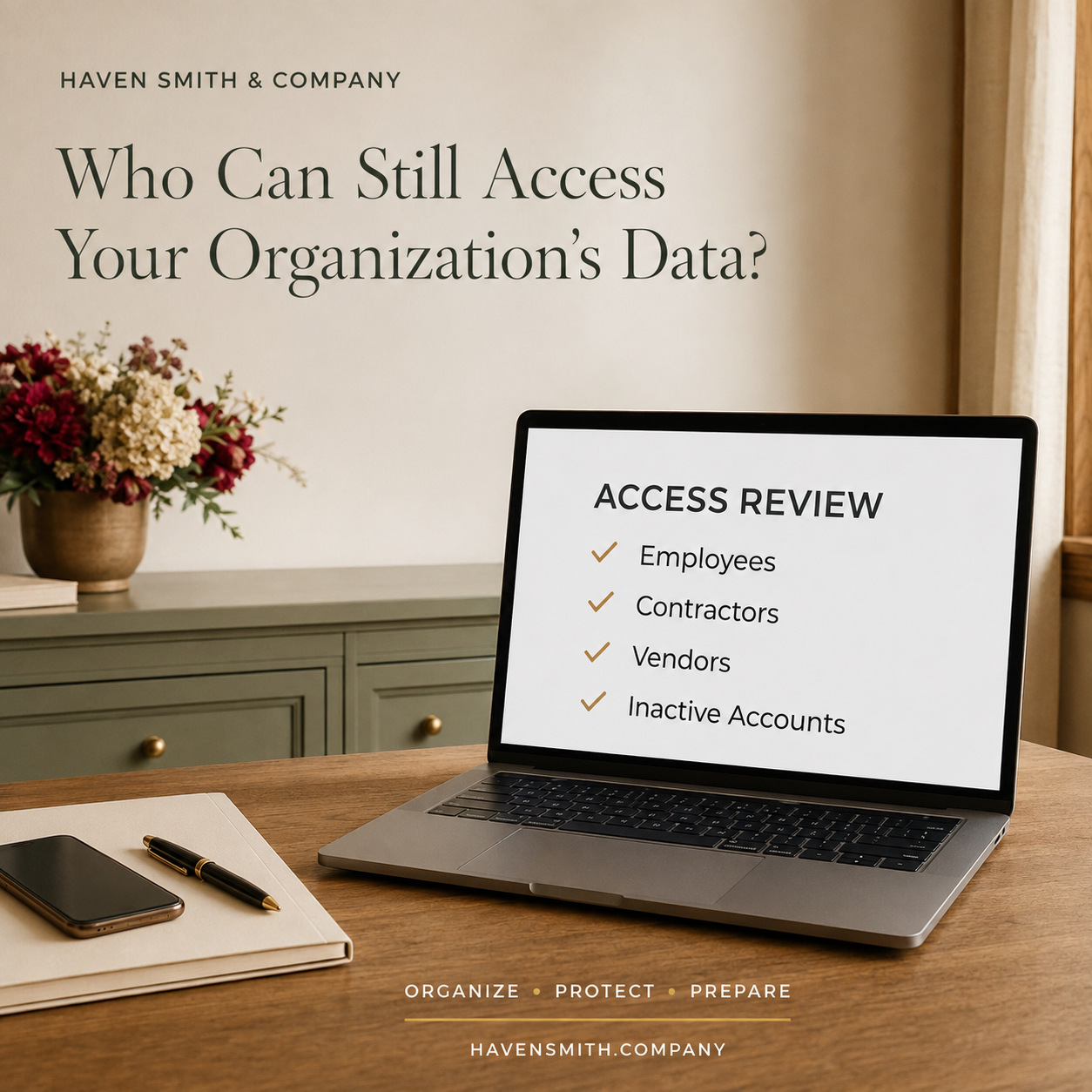
Before fourth-quarter work accelerates, review the employees, contractors, vendors, applications and inactive accounts that still have access.
Access is usually granted for a legitimate reason.
An employee joins a project. A bookkeeper needs financial documents. A consultant connects an application. A marketing agency receives administrative permission. A volunteer manages an event. Someone covers a colleague’s responsibilities during an absence.
The problem appears later. The project ends, the person changes roles or the vendor relationship closes—but the access remains.
Over time, an organization can lose sight of who can reach its information, what they can change and who has the authority to remove them.
If You Read Only One Thing
Access should last only as long as the legitimate responsibility that required it. Every important system needs an owner, a current user list and a process for removing access.
Your Action Steps
List the systems and services essential to the organization.
Identify the business owner and administrator for each one.
Export or review the current users and permission levels.
Remove accounts that are inactive, duplicated or no longer needed.
Reduce permissions that exceed current responsibilities.
Review vendors, contractors, volunteers and former workers separately.
Replace shared accounts with named accounts where possible.
Confirm multifactor authentication and recovery ownership.
Document an access-review and offboarding schedule.
Start With the Systems That Matter Most
You do not need to inspect every application at once. Begin with systems that hold sensitive information or control other systems:
Primary email and collaboration platforms
Cloud storage
Financial and payment systems
Customer and donor records
Human-resources and payroll tools
Website, domain and social-media accounts
Password managers
Project-management systems
Scheduling and communications tools
Backup and security services
NIST’s Cybersecurity Framework 2.0 Small Business Quick Start Guide recommends maintaining an inventory of the hardware, software, systems and services a business relies upon. You cannot govern access to systems the organization has forgotten it uses.
Identify the Owner and the Administrator
The person who uses a system most frequently is not always the person who should own it.
For each system, record:
Business owner
Technical administrator
Billing owner
Recovery email and phone number
Current users
External users
Highest permission level
Last access review
Offboarding procedure
If only one person can administer the system, create an authorized backup before an emergency forces the issue.
Review People Outside the Organization
Vendors and contractors may require access to complete legitimate work. The FTC advises businesses to grant vendor access on a need-to-know basis and only for the time required.
Look specifically for:
Former marketing agencies
Past web developers
Bookkeepers and accountants
Managed-service providers
Temporary staff
Consultants
Volunteers
Board members whose terms ended
Applications connected through integrations
Do not assume that ending a contract removed the technical access.
Eliminate Unnecessary Shared Accounts
A shared username makes it difficult to determine who performed an action, who still knows the password and what should happen when someone leaves.
Whenever the system permits it, create named accounts with appropriate permission levels. Reserve administrative access for the people who need it.
If a shared account cannot be eliminated, document:
Who is authorized to use it
Where the credential is securely maintained
Who changes the credential
When it must be changed
How activity is reviewed
Never send a shared administrative password through ordinary email or group chat.
Review Permission, Not Merely Presence
A current employee may still have more access than the role requires.
Someone who only needs to view a report may not need permission to delete records, change billing, add users or export the full database. Apply the minimum access required for the responsibility.
CISA’s current Cybersecurity Performance Goals recommend reviewing user access and disabling inactive accounts. This is a practical governance habit even for small organizations without a formal security department.
Build Access Into Offboarding
Access removal should not depend on someone remembering every application after a person leaves.
Create an offboarding checklist that covers:
Email and identity provider
Files and document ownership
Business applications
Financial tools
Physical devices
Password-manager collections
Social media
Website and domain
Vendor portals
Recovery contacts
Data that must be transferred or preserved
Complete urgent access changes before or at the time the relationship ends—not days later.
Make the Review Recurring
Access changes continuously. A one-time cleanup cannot remain correct forever.
Smaller organizations can begin with a quarterly review. High-risk systems may need more frequent inspection. Record the date, reviewer, decisions and follow-up work.
Late September is a useful point to complete the review. Year-end projects, holidays, staffing changes and vacations will soon make ownership and coverage more complicated. Entering the fourth quarter with clear access protects both continuity and accountability.
Resources Outside Haven Smith & Company
Haven Smith & Company Resources
Free Digital Life Management resources:
https://www.havensmith.company/start-hereDigital Safety Course:
https://www.havensmith.company/digital-safetyDigital Life Management Course Bundle:
https://www.havensmith.company/bundleNot sure where to begin? Take the free two-minute quiz and get the one thing to do next:
Take the quiz
Haven Smith & Company provides practical education, tools, and guidance to help individuals, families, professionals, businesses, and institutions organize, protect, and prepare their digital lives with confidence.
Free · Two minutes
Where does your digital life stand?
Nine questions on organizing, protecting and preparing. You get your level and the one thing worth sorting out first.
Take the free quizFree · Nine questions · No account needed