
Your Security Plan Fails If You Cannot Recover Your Own Account
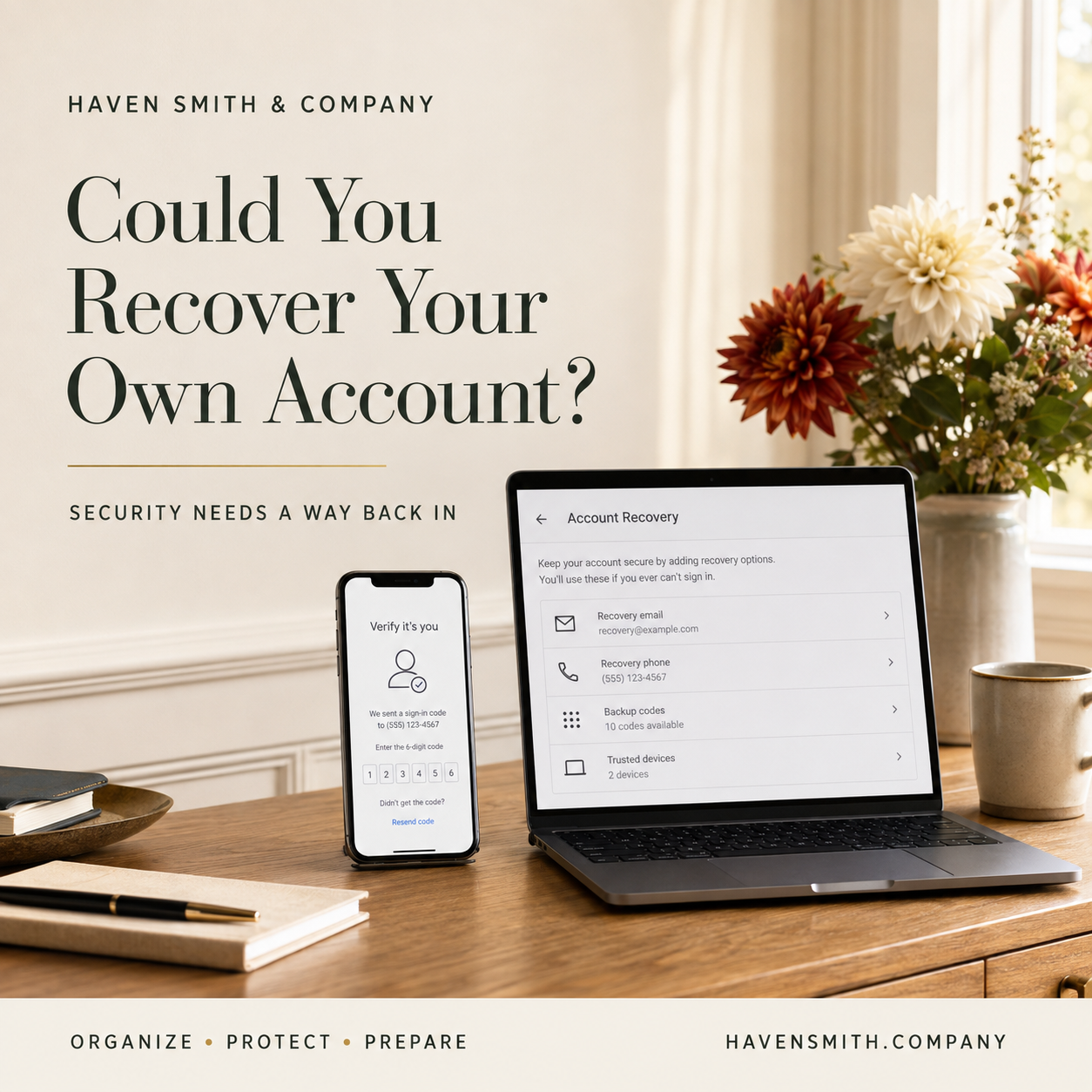
Review recovery contacts, trusted devices and backup codes before a lost phone or changed number leaves you locked out.
You use a strong password. You turned on multifactor authentication. You are careful about suspicious messages.
Then your phone is lost, damaged or replaced.
The number attached to an important account is no longer current. The recovery email belongs to an old provider. The only device receiving verification prompts is the device you cannot use.
Your security controls may be working exactly as intended—and still prevent you from reaching your own information.
Account recovery is not an administrative detail. It is part of digital safety.
If You Read Only One Thing
A secure account needs two things: strong protection against unauthorized access and a prepared recovery path for the legitimate owner.
Your Action Steps
Identify the five accounts that unlock the rest of your digital life.
Review the recovery email address and phone number for each account.
Remove obsolete phone numbers, unfamiliar devices and outdated contacts.
Generate backup or recovery codes when the provider offers them.
Store those codes somewhere protected and separate from the device they recover.
Add an appropriate recovery contact when the service supports one.
Review the recovery plan whenever your phone number, email address, device or trusted person changes.
Start With the Accounts That Unlock Everything Else
Not every account has the same importance.
Begin with the accounts that provide access to other accounts or hold information that would be difficult to replace. These often include:
Your primary email account
Your Apple, Google or Microsoft account
Your password manager
Your mobile-phone account
Your principal cloud-storage account
Your primary email account is especially important because many other services send password-reset messages there. If someone compromises it—or you cannot regain access to it—the effects may spread across your digital life.
Review Recovery Information Before You Need It
Recovery information becomes outdated quietly.
A phone number changes. An old email address stops working. A trusted device is sold or recycled. A recovery contact is no longer the appropriate person.
Open the security or account settings for each critical account and review:
Recovery email addresses
Recovery phone numbers
Trusted devices
Signed-in sessions
Backup codes
Recovery contacts
Security questions, if still used
Recent security activity
Do not wait until you are locked out to discover that the recovery destination no longer belongs to you.
Store Backup Codes Separately
Some providers allow you to generate one-time backup codes. These can help you regain access when your ordinary authentication method is unavailable.
A backup code stored only on the phone it is meant to recover is not a useful backup.
Store the codes in an appropriately protected location separate from the primary device. Depending on your system, that might be:
A secure password manager
An encrypted digital record
A protected physical copy
Another secure location you can reach during an emergency
Do not place recovery codes in an ordinary note, an unsecured spreadsheet or a visible photograph.
Understand What a Recovery Contact Can—and Cannot—Do
A recovery contact is not necessarily a person who can enter or manage your account.
For example, Apple explains that an account-recovery contact can help verify your identity and provide a recovery code, but cannot access your account or data.
That distinction matters. Account recovery, account sharing, delegated access and digital legacy access are different functions. Do not assume that setting up one automatically accomplishes the others.
Do Not Create a Crisis to Test the System
You do not need to deliberately lock yourself out.
Instead:
Confirm that recovery details are current.
Verify that the recovery email account still works.
Confirm that you can reach stored backup codes.
Review which devices are trusted.
Read the provider’s recovery instructions.
Remove settings and devices you no longer recognize.
A controlled review is safer than experimenting with an important account.
Watch for Recovery Scams
Criminals may use fake security warnings, password-reset notices and verification requests to persuade you to surrender access.
Never give another person a verification or recovery code because they contacted you unexpectedly. A code intended to prove that you own an account can also help a criminal take control of it.
If you receive an unexpected alert, go directly to the provider’s official website or app instead of using the link in the message.
Outside Resources
Haven Smith & Company Resources
Build practical account-protection habits with the Digital Safety course.
Record recovery information without creating an unsecured password list using the Digital Life Management Workbook™.
Use a Digital Life Strategy Session to identify your highest-priority accounts and create an appropriate review plan.
Not sure where to begin? Take the free two-minute quiz and get the one thing to do next.
Review the recovery information for your primary email account today. It may be the single most important account-recovery step you take.
Free · Two minutes
Where does your digital life stand?
Nine questions on organizing, protecting and preparing. You get your level and the one thing worth sorting out first.
Take the free quizFree · Nine questions · No account needed